Daisy Rotary Valve Quickstart
Set up the Scalables Daisy Rotary Valve from tubing connections to automated port switching.
Setup, Connections, and Port Switching
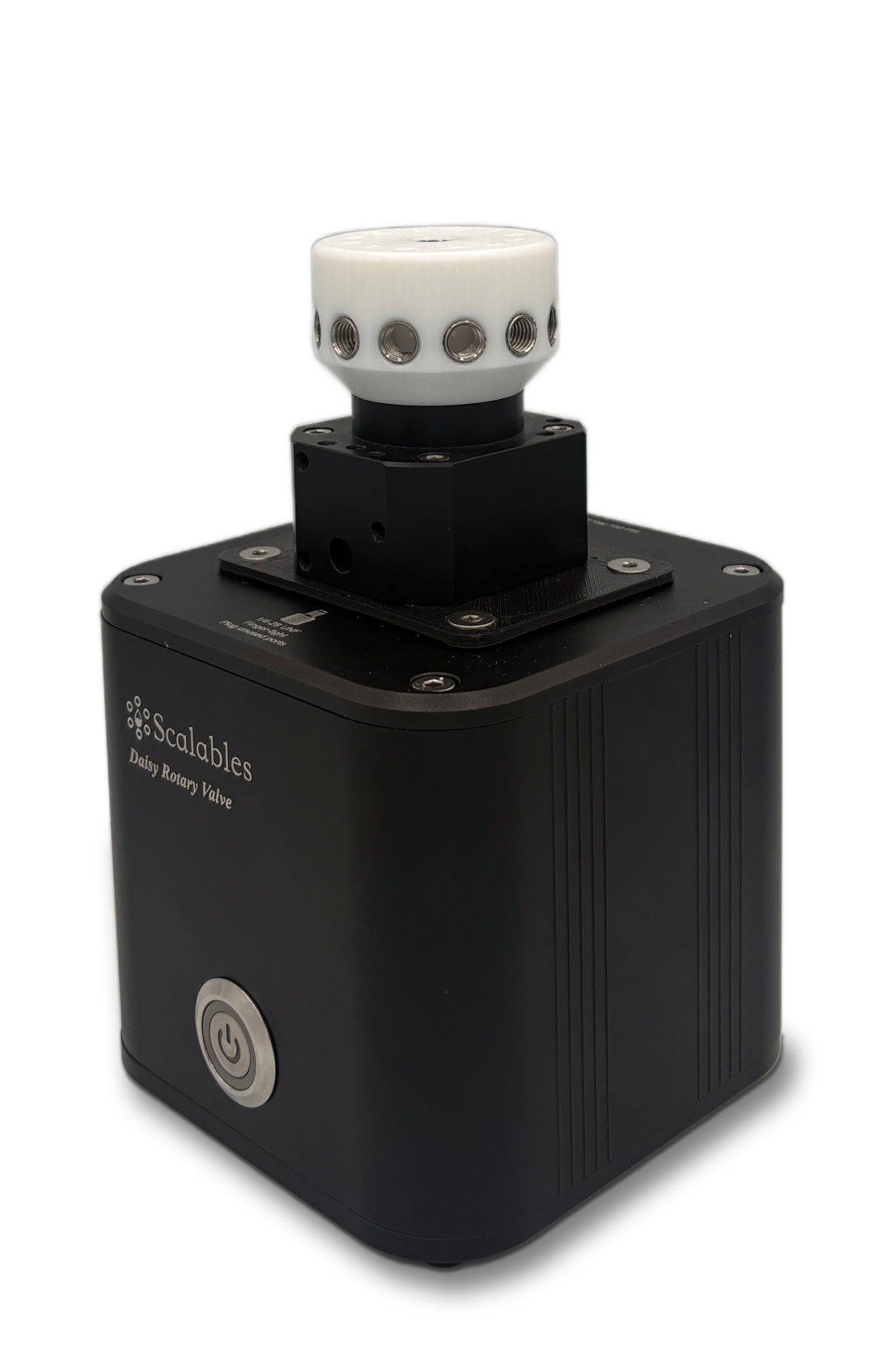
The Scalables Daisy Rotary Valve connects one axial port to any of its 12 radial ports and is rated up to 150 psi. This guide walks through everything shown in the quickstart video, with additional detail.
Orifice options
The Rotary Valve is available with three orifice sizes. The orifice is the opening each flow path passes through, so the size sets the diameter of the flow path through the valve.
Power and Computer Connection
Plug the power supply into the Daisy. Then plug the data cable into the micro USB port on the Daisy and the other end into a computer.
Tubing and Connections
The Rotary Valve can use PTFE tubing with a ferrule and a fitting for the quarter-28 port. When using it with peristaltic pumps, use a barbed hose fitting appropriate for the tubing ID. Two options are available for this connection: a nylon direct-to-port adapter or a PVDF luer lock coupling.
Connect tubing to each port in use. Stopper fittings are also needed for unused ports, so plug any unused ports with quarter-28 stopper fittings.
The PTFE valve body can release small fibers into the fluid stream. Flushing before first use clears them from the flow path. For applications that are sensitive to particles, add a downstream filter of 50 micron or finer.
Using the Daisy Controller Software
On a computer, open the Daisy Controller Software and click the Instrument Refresh button. The instrument list shows which group and index the Daisy occupies.
The right panel includes a Home button for the Rotary Valve, which must be pressed before first use. Next is the port selection, from 1 to 12.
Switching Ports with a Script
Click
Open
, then select Rotary valve and
rotary_valve_3ports.py
. The script begins by defining a countdown function. It prints a message, then counts down one second at a
time before the code continues. Defining it once allows it to be reused for every port switch.
Before running the Rotary Valve, it must be homed. Then the countdown runs, printing "Moving to port 3 in," followed by 3s..., 2s..., 1s.... Once the countdown finishes, port 3 is selected. The same pattern repeats for port 5, then port 9.
"""Daisy Rotary Valve — Demo Assay
Homes the valve, then switches through ports 3, 5, and 9, changing ports 3 seconds after each opens.
"""
import time

def countdown(seconds, message=None):
    if message:
        print(message)
    for remaining in range(seconds, 0, -1):
        print(f"{remaining}s...")
        time.sleep(1)

valve = self.my_interface.groups[0].inst[0]

print("Homing rotary valve...")
valve.home()

countdown(3, "Moving to port 3 in")
valve.select_port(3, wait=True)
print("Port 3 selected")

countdown(3, "Moving to port 5 in")
valve.select_port(5, wait=True)
print("Port 5 selected")

countdown(3, "Moving to port 9 in")
valve.select_port(9, wait=True)
print("Port 9 selected")
The automated valve control can be used in many different applications, depending on where the Rotary Valve sits relative to a pump.
Dispensing
Fluid flows from the pump, through the valve, and out to the selected destination.
Aspirating
Fluid flows from the selected source, through the valve, and then through the pump.
pause the pump before switching valves, and resume only after the switch is complete.
Cleaning After Use
After using the Rotary Valve, clean the tubing and valve with water. Then remove the inlet tubing from any liquid and dry the tubing with air.
Interactive Python notebooks
Detailed Rotary Valve walkthroughs in Python on GitHub. Choose the set that matches how you run Daisy.
Daisy Controller Software notebook
For use within the notebook section of the Daisy Controller Software
Daisy Python library notebook
For use with the daisy python library